Planning to dig, landscape, renovate, or carry out building work at your property? Fibre cables and connection points can be damaged more easily than people expect. This page explains how to help prevent damage, what not to touch, and what to do if fibre or network equipment is damaged.
Beforeudig
Before starting any digging or excavation work, check for underground services.
Even small jobs like fencing, trenching, tree planting, retaining walls, paving, driveways, decks, irrigation, and drainage work can damage underground fibre.
Before you start
- Check for underground services before digging
- Check whether your fibre service is aerial and make sure it will not be damaged during any work around your house or garden.
- Request service plans through beforeudig
- Make sure anyone working on site knows fibre may be present
- Take extra care near boundaries, driveways, gardens, and existing service lines
- Inside your boundary, fibre cables are buried at a minimum depth of 300mm underground
- Outside your boundary (roadside), fibre cables are buried at a minimum depth of 600 mm underground
- Do not rely on depth alone
- Do not assume you know where the cable runs
Why this matters
Inside your boundary, fibre cables are buried at a minimum depth of 300mm underground. Outside your boundary (roadside), fibre cables are buried at a minimum depth of 600 mm underground. However, actual depth and location can still vary depending on installation methods, ground levels, landscaping, previous works, and later earthworks.
Always check beforeudig
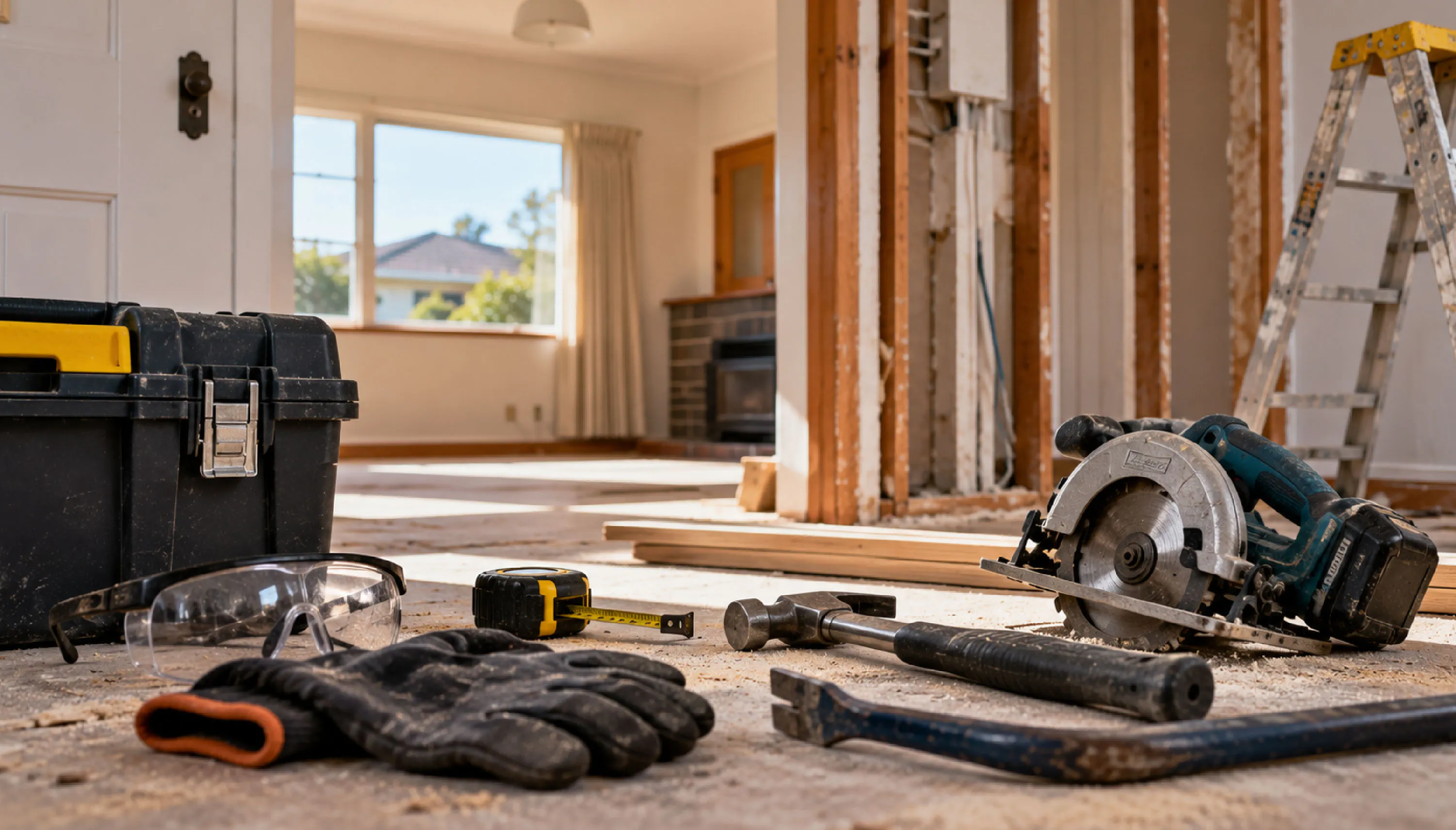
Renovating or building near fibre equipment?
If you’re renovating, recladding, extending, demolishing, moving walls, replacing flooring, or carrying out exterior works, check where your fibre connection and equipment are located before work begins.
Your fibre connection may include:
- An underground or aerial lead-in cable from the street or boundary to your property
- An External Termination Point (ETP) on the outside of the building
- An Optical Network Terminal (ONT or 'fibre box') inside the building
- Building and renovation work can accidentally damage these components if they are cut, removed, moved, covered, boxed in, or knocked during construction.
Before starting renovation work
- Identify where your fibre equipment is located
- Make sure your builder, electrician, plumber, landscaper, and other trades are aware of it
- Keep fibre equipment accessible
- Do not build over, cover, or enclose connection points without approval
- Do not cut or move fibre cable as part of renovation work
Important
Do not remove, move, disconnect, or attempt to repair fibre equipment yourself.
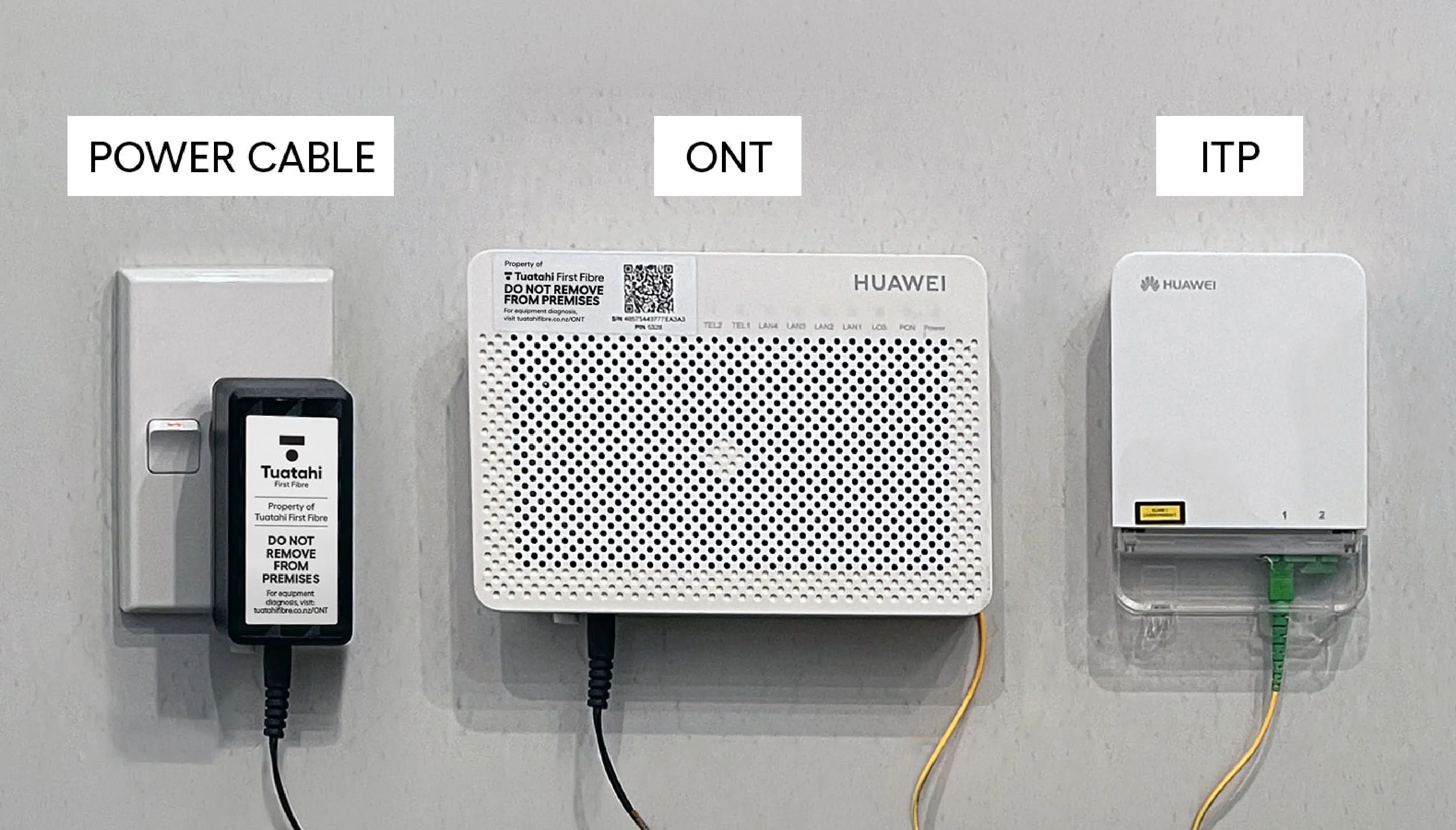
Do not remove your Optical Network Terminal (ONT)
The ONT is part of your fibre connection inside the property. It is an important piece of network equipment and should not be removed, relocated, or tampered with by customers or contractors.
Do not:
- Remove the ONT from the wall
- Unplug or disconnect attached fibre cabling
- Ask a builder, electrician, or other contractor to move it
- Attempt to replace damaged parts yourself
- If the ONT has been damaged, is missing, or may need to be moved because of approved works, contact your Internet Service Provider (ISP).
The ONT and associated fibre connection components are not standard DIY or retail replacement items.
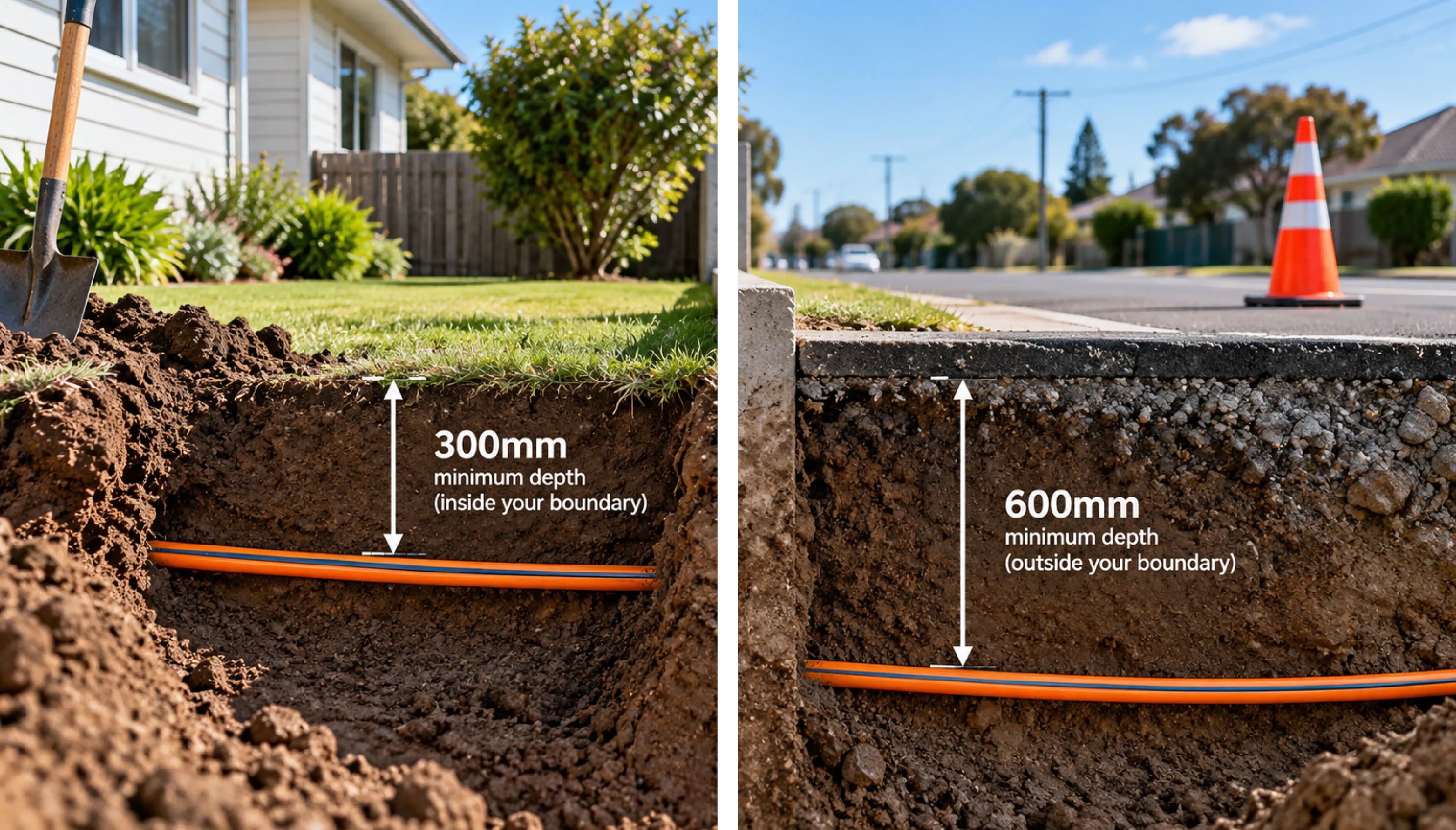
How deep is the fibre cable buried?
Inside your boundary, fibre cables are buried at a minimum depth of 300mm underground. Outside your boundary (roadside), fibre cables are buried at a minimum depth of 600 mm underground. However, actual depth can vary depending on installation method, site conditions, and any later ground works.
What you should do
- Always check before digging beforeudig
- Do not rely on assumed cable depth or location alone
- Take care during both shallow and deep excavation
- Stop work if you uncover unidentified cable or conduit
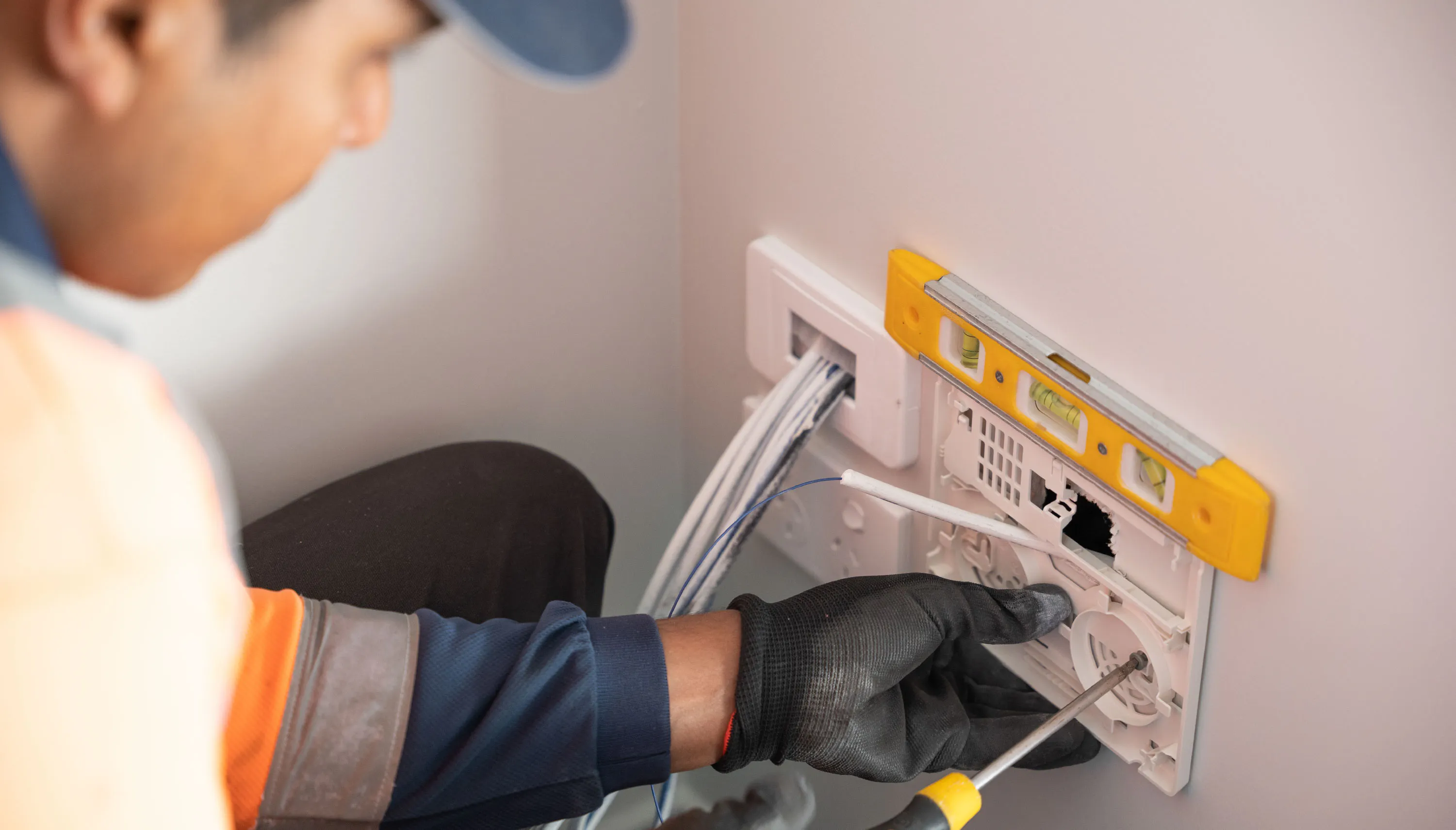
Why fibre repairs must be completed by Tuatahi First Fibre

Safety
Damaged infrastructure can create hazards, especially where multiple underground or external services are present.

Specialist knowledge
Fibre equipment requires the correct parts, tools, handling, and testing.

Network integrity
Incorrect repairs can affect service quality, reliability, future maintenance, and connection performance.

Correct equipment
Some fibre components are not general retail items and are not intended for DIY replacement or modification.
Please do not
- Tape up damaged fibre
- Re-bury damaged cable without reporting it
- Attempt your own repair
- Replace parts with non-approved products
- Ask another contractor to “fix it” without contacting us

Common ways fibre gets damaged
Fibre damage often happens during:
- Fence installation
- Landscaping and garden work
- Retaining wall construction
- Driveway, paving, or concrete work
- Trenching for power, water, irrigation, or drainage
- Tree planting or stump removal
- Demolition and renovation work
- Moving or removing internal equipment
If fibre or network equipment is damaged, repairs should be completed by Tuatahi First Fibre or an authorised repair partner.
Report fibre or network damage
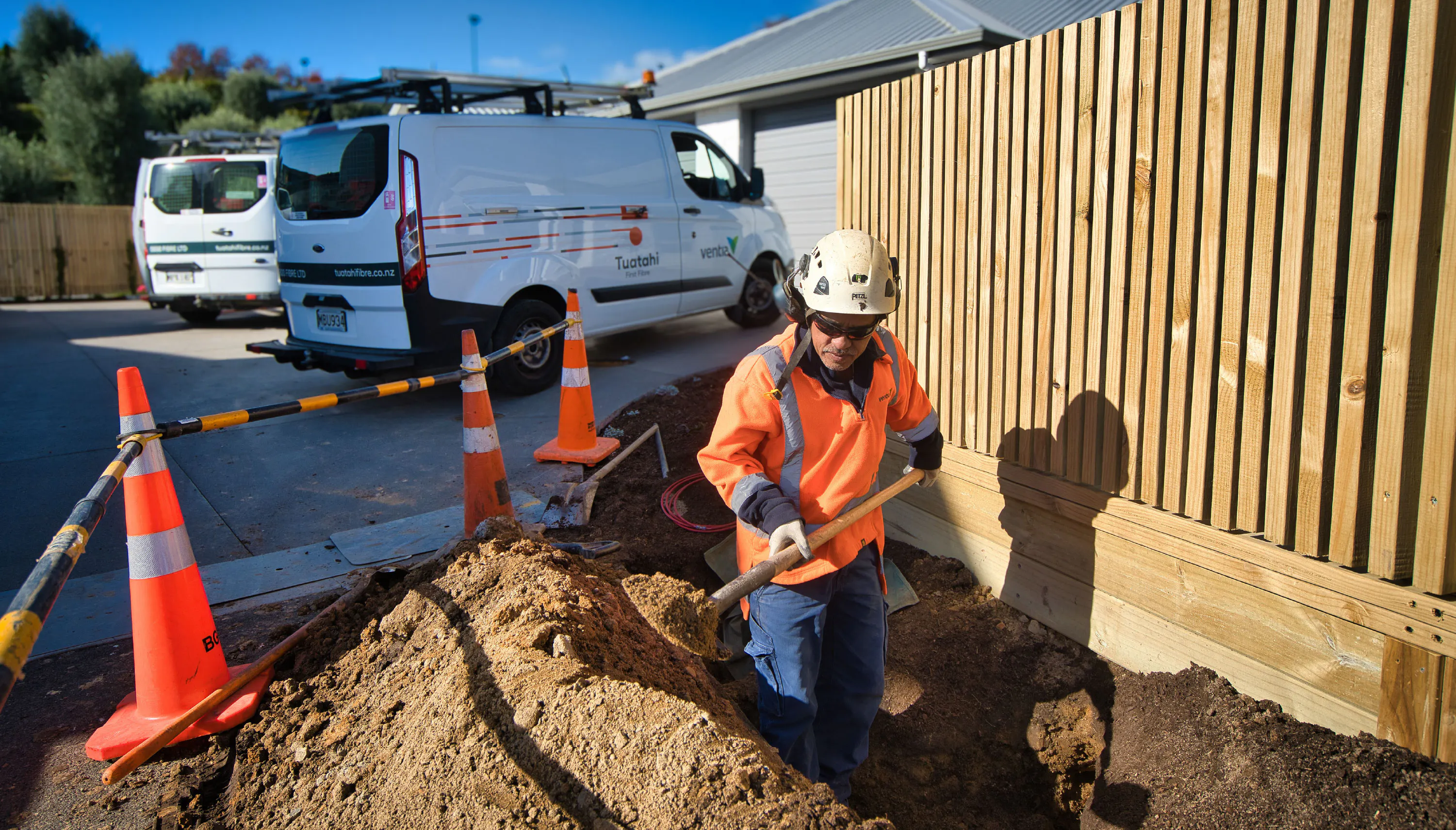
If fibre cable or network equipment has been damaged, the correct reporting path depends on who is reporting it and what has happened.
This includes damage to:
- Underground or aerial fibre cable
- Exposed fibre lead-in cable
- External connection points
- ONTs
- Conduit
- Cabinets or other network infrastructure
How to report damage
If you are a homeowner
If you have a service fault or loss of service, or have damaged fibre at your property, contact your Internet Service Provider (ISP) first.
If you are a contractor or third party
If you have physically damaged Tuatahi network infrastructure during digging, excavation, construction, or other works, contact Tuatahi First Fibre as soon as possible.
If there is an immediate safety risk
Stop work and contact Tuatahi First Fibre straight away.
Phone: 0800 342 735
Email: faults@tuatahifibre.co.nz
If you need to report physical damage, have this information ready
- Your name and contact details
- The property address
- The exact location of the damage
- What was damaged
- When it happened
- What work was being done at the time
- Whether internet or other services have been affected
- Whether there is any immediate safety risk
- Photos of the damage, if available
Important
If there is an immediate risk to people, property, or nearby services, stop work and contact us straight away.
Frequently asked questions
Can I move my ONT during renovations?
Can my builder or electrician move fibre equipment?
How deep is the fibre cable buried?
What should I do if I accidentally hit a fibre cable?
Can I buy replacement fibre parts myself?
Why do I need to report damage straight away?