
Fibre is built for speed and reliability. If your connection isn’t performing as expected, your in-home setup could be the reason.

Why you might not be seeing great speeds
Great performance starts with the right foundation so make sure you’re on fibre and on a plan that matches your household’s needs - speeds and budgets vary.
Other factors that may impact your experience:
✔ Older or low-quality router
✔ Devices far from router or blocked by walls
✔ The age and quality of your devices
✔ Other electronics causing interference
✔ Slow Wi-Fi settings
Quick troubleshooting tips
1
Check your speed
Run a quick speed test to see if you’re getting what you pay for.
2
Check your equipment
What affects performance most:
• Router age & quality
• Wi-Fi settings (2.4GHz vs 5GHz)
• Device capability
3
Improve your Wi-Fi at home
Easy wins:
• Ensure your router is in a central, open spot
• Raise it off the ground
• Keep it away from microwaves and other wireless devices (like some cordless phones) which can cause interference
• Restart router once a week
Get more from your fibre!
Check out these quick videos to learn more.
0:25
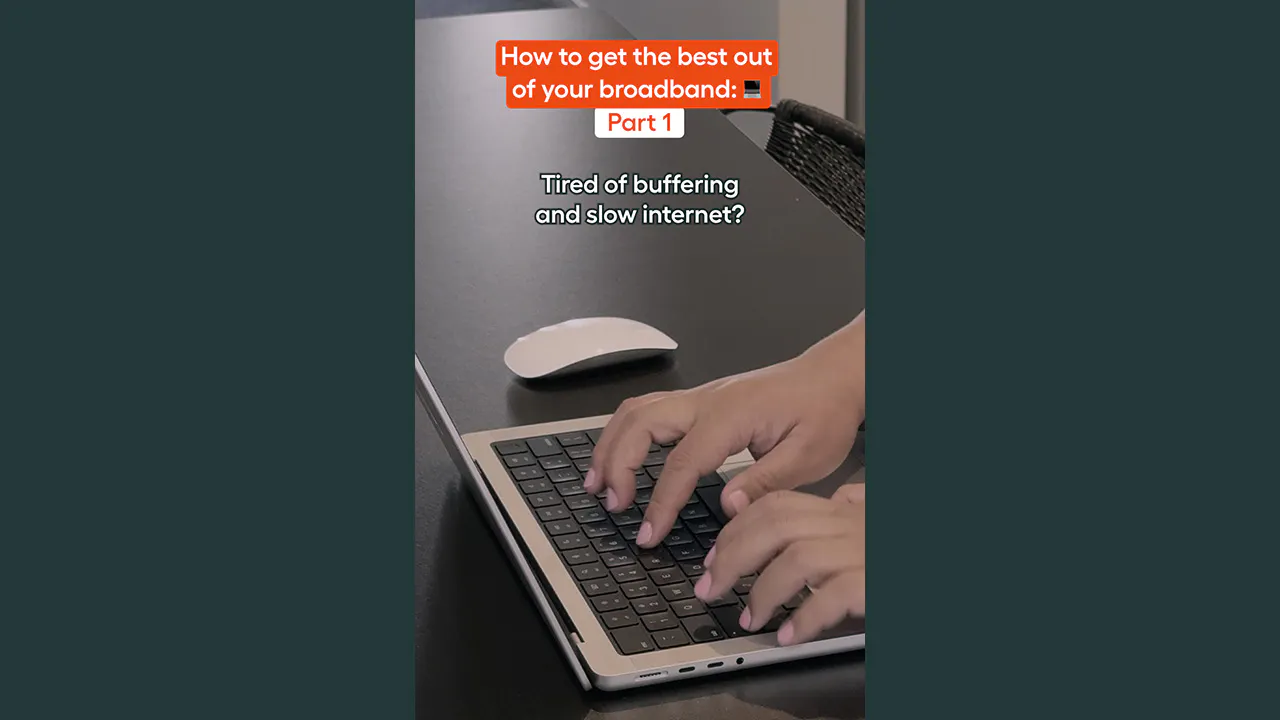
Tired of buffering and slow internet?
How to get the best out of your broadband – Part 1
0:24
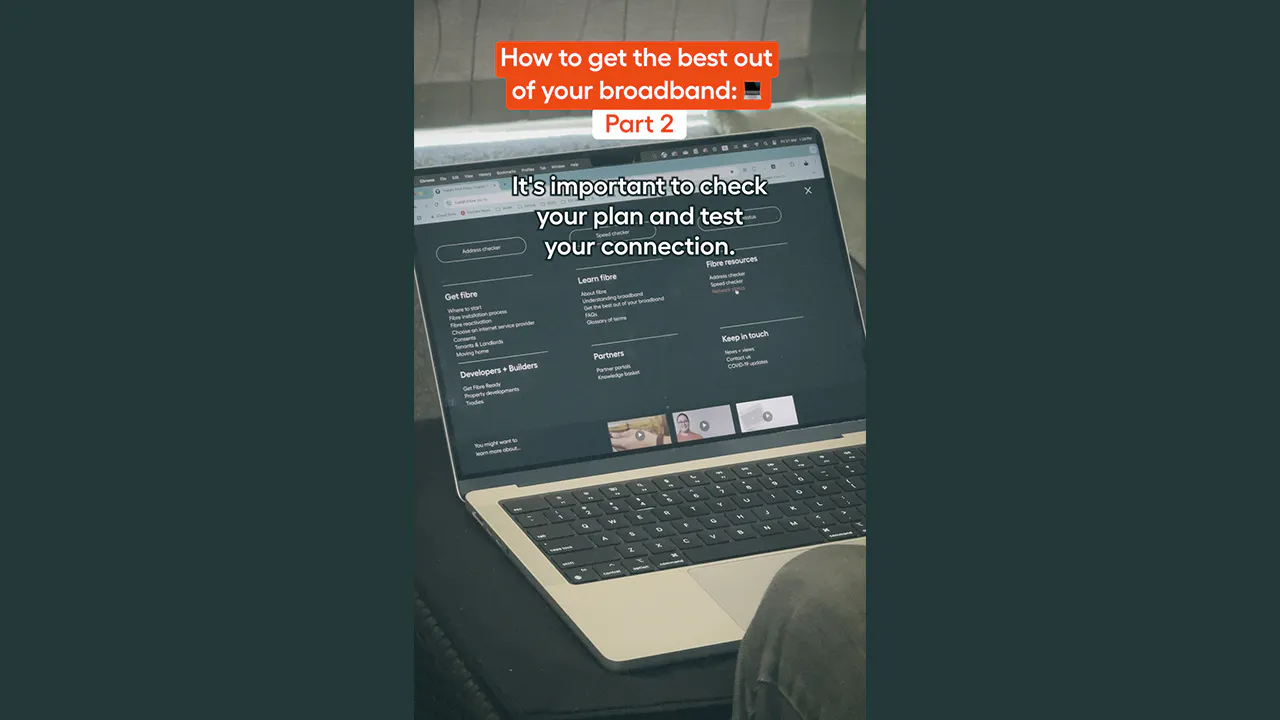
Check your plan and test your connection
How to get the best out of your broadband – Part 2
0:30
Got fibre but still struggling?
How to get the best out of your broadband – Part 3
0:25
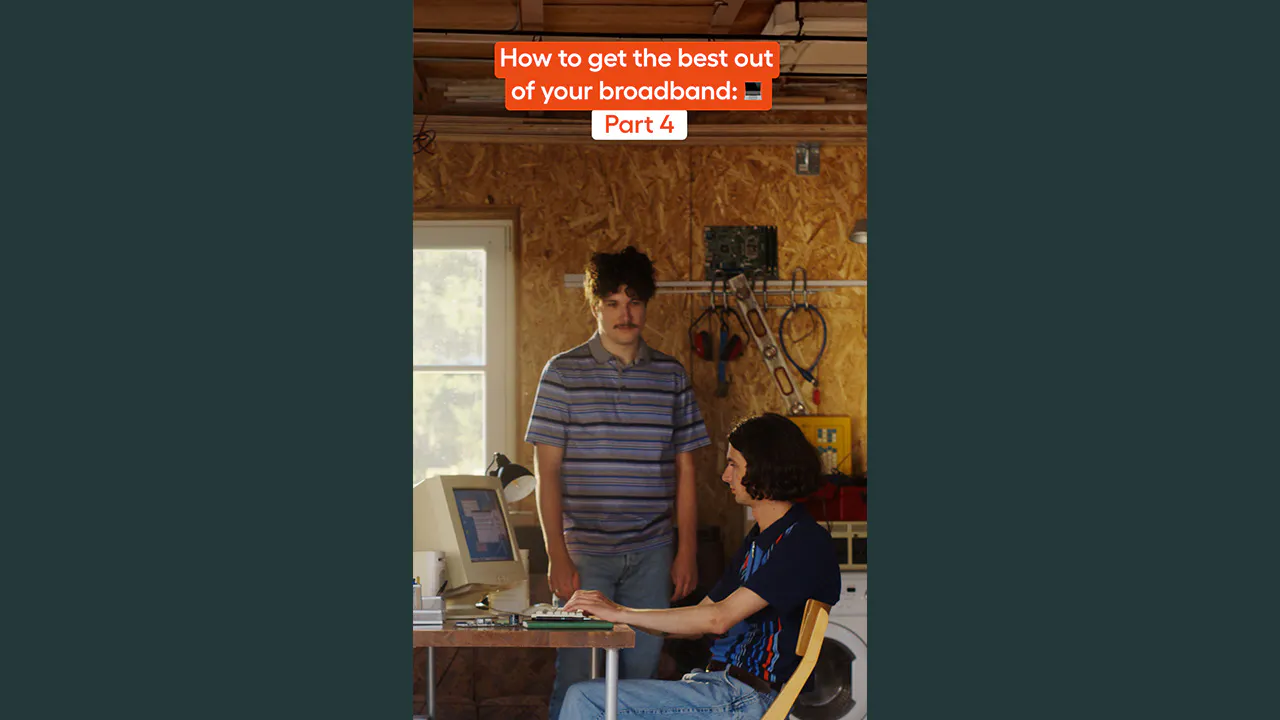
Old devices
How to get the best out of your broadband – Part 4

0:23
Wi-Fi acting up?
How to get the best out of your broadband – Part 5

0:53
Six culprits that disrupt your internet
How to get the best out of your broadband – Part 6
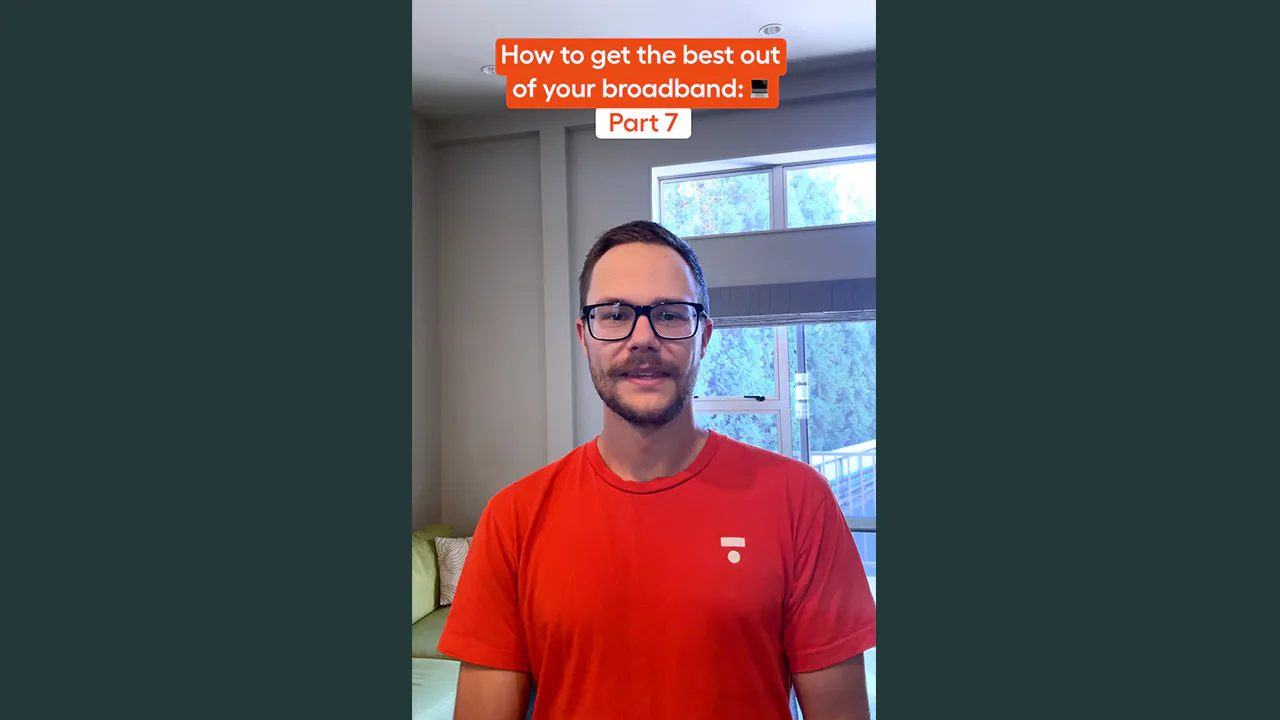
0:29
Try these three Wi-Fi tips
How to get the best out of your broadband – Part 7
Want to know more?
More handy tips.
Watch now
3:12
More detailed troubleshooting tips
Position of router
Home wiring
Devices
Router type
Other electrical devices
The best plan